


The right file management plugin for WordPress lets you upload, organise, and distribute documents securely — without needing a separate platform. Whether you’re building a client portal, a team file hub, or a public document library, the tools below cover every major use case.
If you’re still deciding whether you need a full document management system versus a plugin, see our guide on setting up a WordPress document management system first. For pure media library organizers or digital asset tools, check out the best DAM plugins for WordPress instead — the plugins below focus on document distribution and access control, not media cataloguing.
Quick Comparison
| Plugin | Best for | Price | Free tier |
|---|---|---|---|
| WP Document Library | Secure document libraries + access control | From $49 | No |
| Document Library Pro | Searchable public libraries + nonprofits | From $149/year | No |
| WP Download Manager | Selling digital downloads + licensing | From $59/year | Yes |
| WP File Download | Drag-and-drop file management + WooCommerce | From $29/6 months | No |
| WP Document Revisions | Version control + authenticated file URLs | Free | Yes |
| Embed Any Document | Embedding PDFs and Office files inline | Free | Yes |
| FileBird | Media library folder organisation | Free / $39 one-time | Yes |
Best WordPress Document and File Management Plugins
These seven plugins sit at different points on the spectrum — from simple document embedding to full access-controlled distribution. The right pick depends on whether you need front-end display, back-end organisation, security controls, or all three.
1. WP Document Library (sold as Filr on wordpress.org)
WP Document Library is the most feature-complete WordPress document management plugin for teams that need to upload, secure, and distribute files through a WordPress site. The plugin handles the full document lifecycle: encrypted storage, access-controlled display, and front-end download via shortcodes.
Key features:
- File security — filename encryption, file expiration by date or download count, and blocked search engine indexing of uploaded files
- Access control — restrict files by user email, user role, or password; files go into secured folders that stay invisible as WordPress media attachments
- Document libraries — group files into libraries and display them on any page using shortcodes; supports individual file display or bundled ZIP downloads
- Live search and pagination — handles hundreds of files in a single library without performance issues
- Appearance controls — customisable colours, font sizes, borders, and box shadows
WP Document Library is the best choice for sites that need to make documents accessible to specific users from the front-end while keeping unauthorised access blocked. It’s especially well suited for membership sites, client portals, and organisations that handle sensitive documents.
Price: From $49. Check current pricing.
—
2. Document Library Pro (Barn2)
Document Library Pro is the main alternative for organisations that need a public-facing, searchable document library plugin for WordPress. Barn2 positions it for nonprofits, healthcare providers, and local councils, and customer reviews on Barn2’s site are strongly positive.
Key features:
- Display layouts — searchable table or grid; optionally structured into collapsible folder views
- Bulk import — add documents individually, by drag-and-drop, or via CSV import for large libraries
- Access control — restrict by role, individual user, or password; optionally require email capture before download
- Version control — keep previous document versions, roll back, or auto-delete old files on replacement
- Cloud sync — link to Google Drive, Dropbox, OneDrive, and SharePoint URLs; Zapier-based auto-sync available
- Auto-expire — remove documents from the library after a set date
The Essentials plan covers public libraries; the Advanced plan adds access control, version control, and expiry. For public document libraries without complex security requirements, it’s a strong pick. For private or gated content, WP Document Library gives you more granular security out of the box.
Price: From $149/year (Essentials). Barn2 offers a 15% nonprofit discount.
—
3. WP Download Manager
WP Download Manager is a good fit for anyone who needs to sell or distribute files, manage licences, and track downloads. Beyond simple file hosting, it includes eCommerce features that make it popular with digital product sellers.
Key features:
- Bulk download — let users download files as a single ZIP
- Password protection — secure full packages or individual files within a package with one or more passwords
- Download controls — limit download speeds and restrict access by user role or membership level
- FTP upload support — import files via FTP and convert them to download packages in one step
- Sales and licensing — sell files with payment integrations and manage product licences
WP Download Manager works well for online entrepreneurs and membership site owners. If your primary goal is selling digital products or distributing files to paying customers, it’s worth evaluating alongside Easy Digital Downloads.
Price: Free core plugin; premium plans from approximately $59/year. See current pricing on wpdownloadmanager.com.
—
4. WP File Download
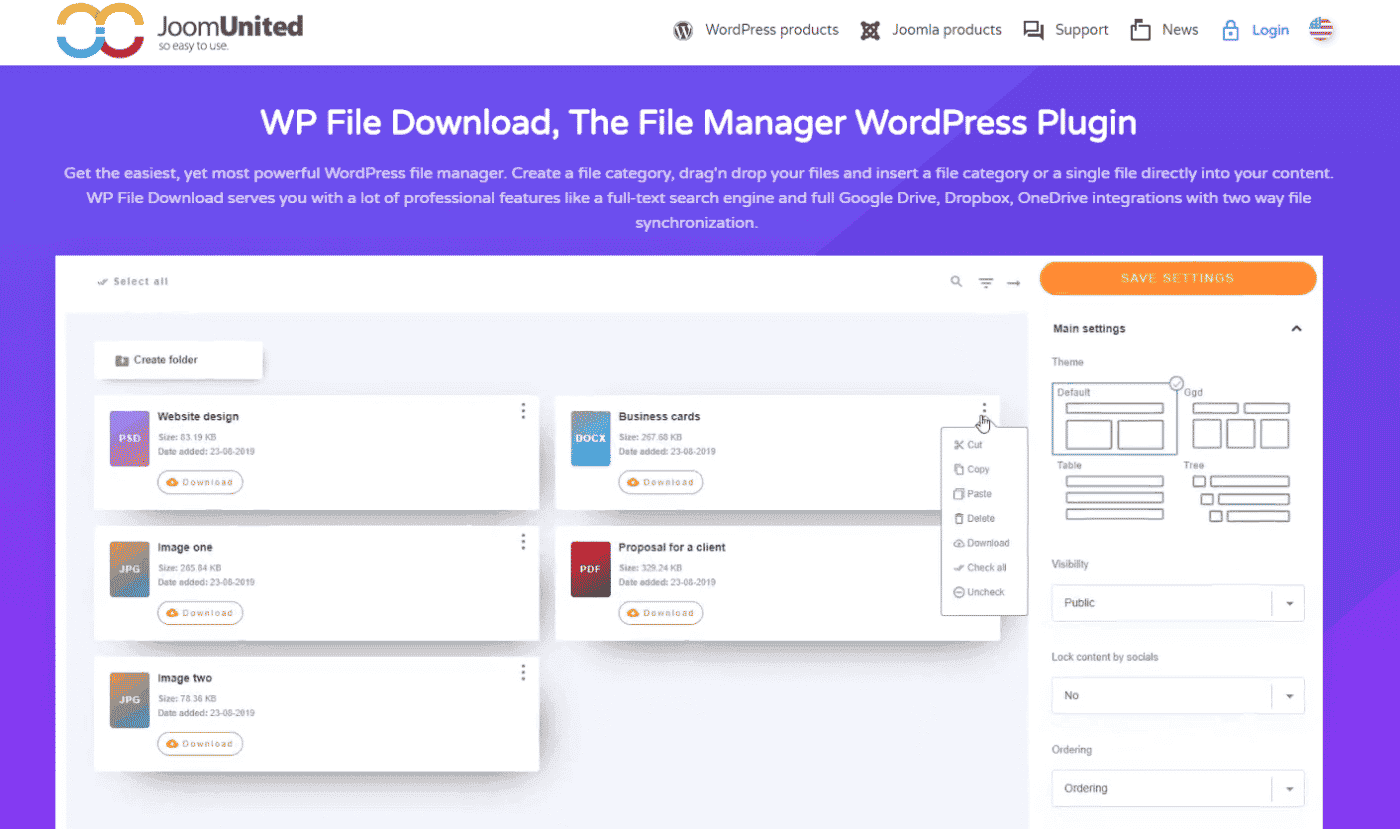
WP File Download is a WordPress file manager plugin that combines a drag-and-drop back-end interface with flexible front-end display themes. It connects directly with WooCommerce and Google Drive, so it’s particularly useful for store owners and teams managing files across multiple platforms.

Key features:
- Four display themes — standard listing, table, accordion tree, and Google Drive-style view; all responsive
- Drag-and-drop management — organise files, categories, and move or duplicate items without reloading
- User permissions — set view, update, download, delete, and edit permissions per file or category
- Cloud sync — two-way synchronisation with Google Drive and Dropbox
- Full-text search — category filtering, tag filtering, and keyword search across the file library
WP File Download is a strong choice for WooCommerce store owners, freelancers, and teams that need both a polished back-end file manager and professional front-end display. The starting price of around $29 for six months makes it accessible for smaller projects.
Price: From $29 for six months. See options at joomunited.com.
—
5. WP Document Revisions
WP Document Revisions is a free, open-source file management plugin built around version control. It’s the right tool for teams that need a permanent, authenticated URL for each file that always points to the latest version — without a paid subscription.
Key features:
- All file types — supports docs, PDFs, spreadsheets, images, and more
- Version history — stores all revised versions; files get checked out and locked so revisions don’t collide
- Authenticated URLs — each document gets a permanent URL that always resolves to the current version
- Visibility controls — toggle between private, public, and password-protected with a single click
WP Document Revisions is a great tool for small businesses and professional web designers who need version control without the cost of a premium plugin. Because it’s free and maintained by the WordPress community, it’s a low-risk starting point.
Price: Free.
—
6. Embed Any Document
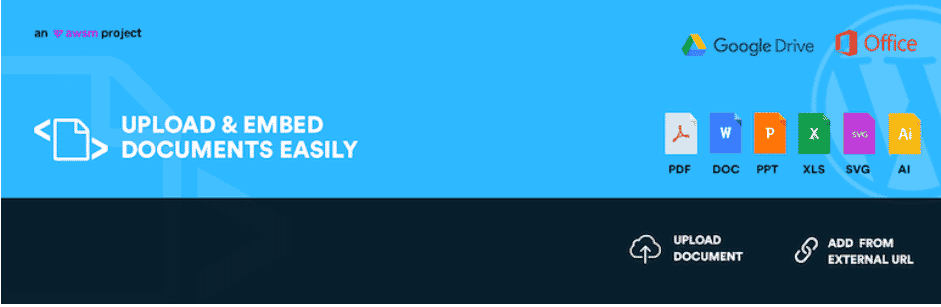
Embed Any Document solves a specific problem: displaying PDFs, Word documents, Excel files, and PowerPoint presentations directly on WordPress pages — without requiring visitors to download a browser plugin or extra software.
Key features:
- Microsoft Office Online or Google Docs Viewer — switch between rendering services if one is unavailable
- Broad file type support — PDF, Word, Excel, PowerPoint, TIFF, AI, SVG, and plain text files
- One-click upload and embed — upload to the media library and embed with a single action
- Cross-browser, mobile-responsive — works across browsers and screen sizes without extra configuration
If your main need is to present documents inline — letting visitors read a PDF or a report without downloading it — Embed Any Document is the simplest and most cost-effective option. For a deeper comparison of embedding tools, see the best WordPress file viewer plugins.
Price: Free.
—
7. FileBird
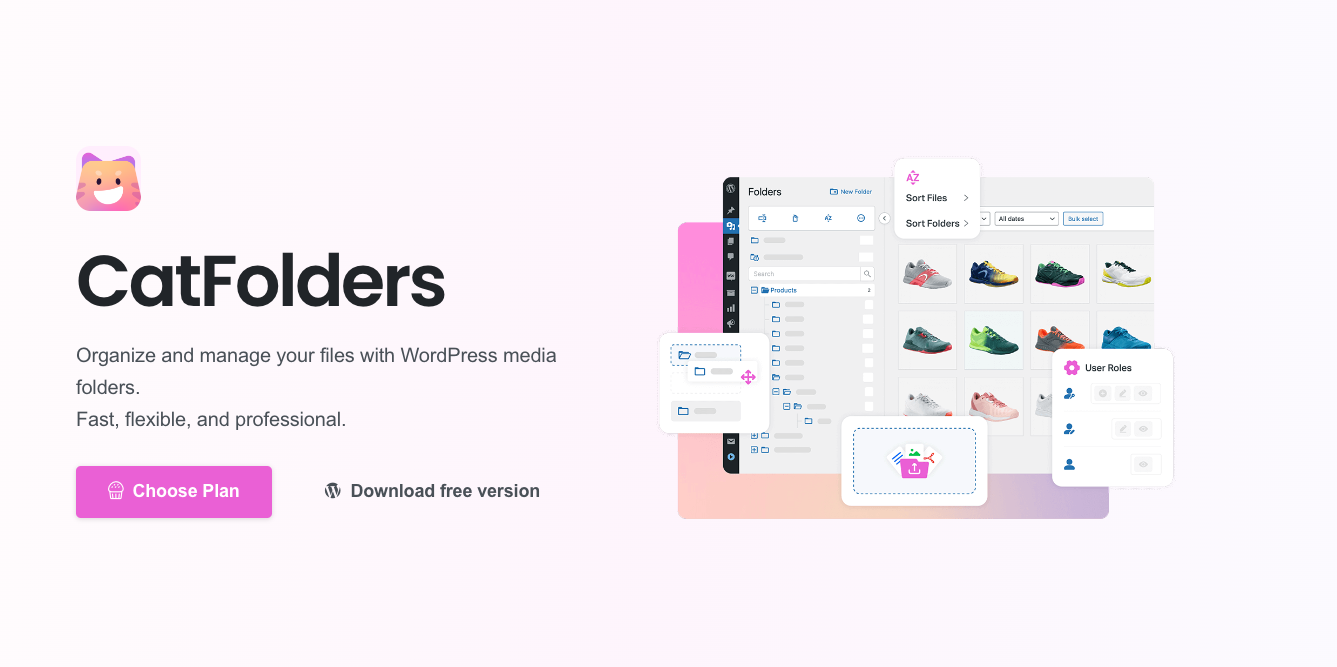
FileBird is a WordPress media library organiser that adds folders and sub-folders to the standard WordPress media panel. It’s included here because many document-focused WordPress sites start by uploading files to the media library — and FileBird makes managing those files far easier.

Key features:
- Unlimited folders and sub-folders — drag-and-drop to move files without changing permalinks
- Document gallery — create galleries with file-type thumbnails in the block editor or classic editor; galleries update automatically when you add or remove files
- File types and languages — compatible with all major themes and page builders
- Import from other plugins — migrate folder structures from five other file manager plugins in one click
FileBird is best for sites that need better media library organisation rather than a front-end document distribution system. If you also need to control who can access or download files, pair it with a dedicated access control plugin.
Price: Free. Pro version from $39 as a one-time payment.
—
How to Choose the Right File Management Plugin for WordPress
The best plugin depends on what you actually need to do with your files:
- Secure document distribution — go with WP Document Library. It handles file encryption, user-role restrictions, and front-end libraries without exposing files to unauthorised visitors.
- Public searchable document library — Document Library Pro or WP Document Revisions are strong fits; the former is more feature-rich, the latter is free.
- Selling digital products or files — WP Download Manager includes the eCommerce layer you’d otherwise add separately.
- Files spread across Google Drive or Dropbox — WP File Download’s two-way cloud sync cuts the most manual work.
- Embedding a document on a page — Embed Any Document handles that cleanly and costs nothing.
- Better media library organisation — FileBird gives you folder structure without changing your existing workflow.
These seven tools span from free to $149/year — so budget is rarely the deciding factor. The choice comes down to use case: security requirements, whether you need front-end display or back-end organisation, and whether cloud storage integrations matter.
For most WordPress sites that need to share documents with visitors or clients in a controlled way, WP Document Library is the most fully featured starting point. It covers back-end organisation, front-end display, and file security in one plugin.
Frequently Asked Questions
A file manager plugin (like FileBird) organises files inside the WordPress media library — it’s for back-end administration. A document management plugin (like WP Document Library or Document Library Pro) lets you display, restrict access to, and distribute files on the front end of your site. Many plugins in this list do both.
WP Document Revisions, Embed Any Document, and FileBird are all free. WP Download Manager has a free core plugin with paid extensions. The others — WP Document Library, Document Library Pro, and WP File Download — require a paid licence, though most offer refund guarantees.
Yes. WP Document Library supports file access restriction by user email, user role, and password. WP Download Manager lets you password-protect individual files or full download packages. Document Library Pro offers password-based library or category restrictions and can require email capture before visitors download a file.
WP Document Revisions is the dedicated free option — it tracks every revision, locks files during editing so changes don’t collide, and gives each document a permanent URL that always points to the latest version. Document Library Pro’s Advanced plan includes version control with rollback and optional auto-delete of old files.
WP Document Library is the strongest option for private client-facing PDF sharing because it restricts access by user email or role, encrypts filenames, and prevents unauthorised downloads. For public-facing PDF libraries — such as a resource hub or policy collection — Document Library Pro is the better fit.
Yes — three plugins in this list do. WP File Download syncs two ways with Google Drive and Dropbox. Document Library Pro lets you link any document to a Google Drive, Dropbox, OneDrive, or SharePoint URL, with optional Zapier-based auto-sync. Embed Any Document uses Google Docs Viewer as one of its rendering services, so it works directly with Google-hosted files.
Pick Your WordPress File Management Plugin
Choosing a WordPress file management plugin depends on what matters most — cloud sync, viewer embeds, version control, or download security. WP Document Library (Filr) focuses on the security and organization side: searchable libraries, role-based access, and download controls in one plugin.
Ready to build a properly managed file library? Get WP Document Library and set it up today.